Streaming Service UI Kit
Industry
UI Design
Client
University Of Kansas
Program
Figma
Date
2025
Prototype
Click Me!
Project Overview
For this project, I designed the user interface for a streaming service, focusing specifically on the viewing experience. Based on user research and defined interaction scenarios, I created a personalized set of 6+ high-fidelity screens that explore how users browse, select, and watch content across key states and actions.
The design solution incorporates all required core features and at least two advanced “nice-to-have” features, demonstrating thoughtful interaction design, visual hierarchy, and real-world product constraints.
Requirements
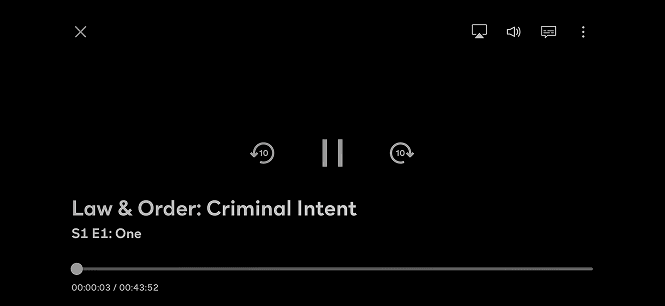
Play/Pause button
10 second skip buttons
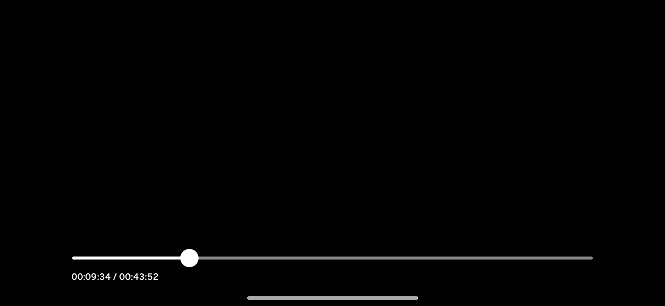
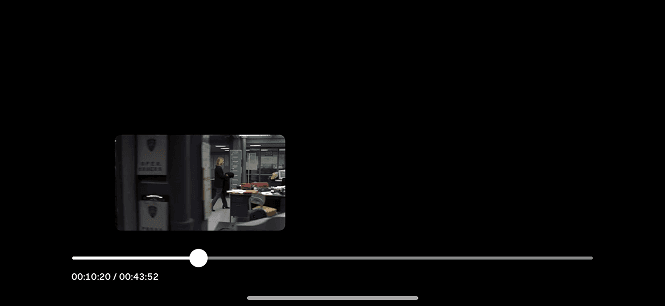
Timeline scrubber
Preview frame (while holding)
Time stamp on timeline
Time remaining
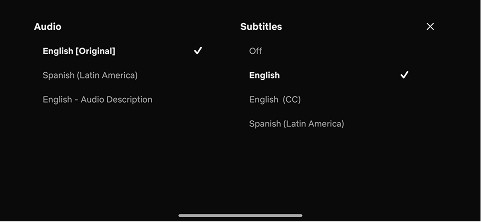
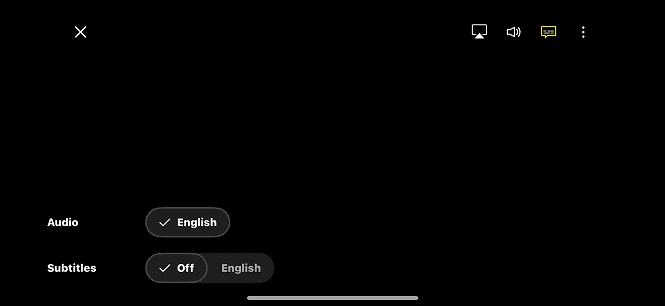
Language selection + dropdown options
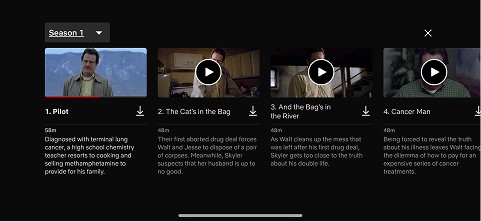
Name of season and episode title
Skip recap button
Skip intro button
Fullscreen button
Back button (<- or X)
Screencast button
Next episode button
Autofilling
Possible Nice To Haves
Download button
Screen lock button
Brightness slider
Rate (like/dislike) icon(s)
Add to “Lists” feature
Miniplayer button
Share button
Playback speed setting
Start from beginning button
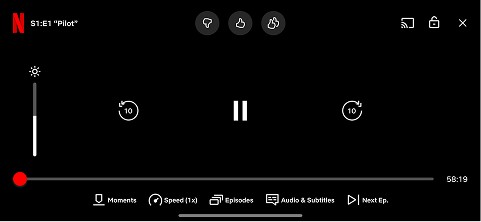
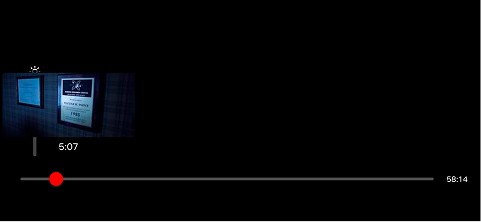
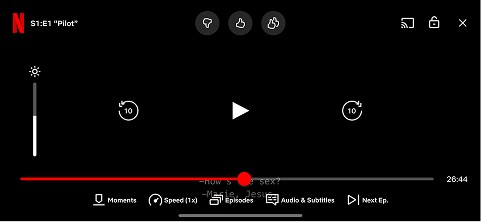
Netflix
Overall clean UI
Easy to use
Has the most options while watching
Has an option for playback speed
Can capture a specific moment within a show
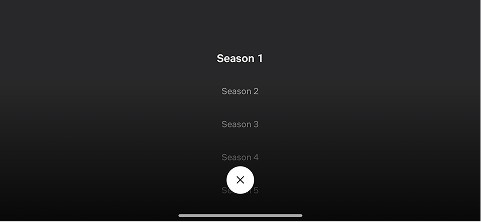
Skip to the next episode and or season without having to exit
Minimal Icons
Can see the cat of a tv show or movie
Paramount +
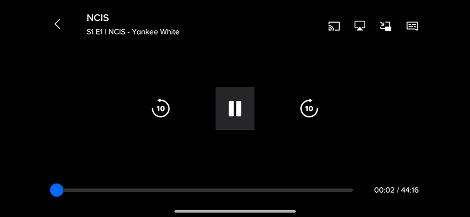
Simple to to use and understand
Icons are cohesive and recognizable
Choose form different iconic episodes of that series
Only one extra button when watching (closed captions)
Able to download movies and TV shows
Download button is the same for almost every streaming service, same with the play icon
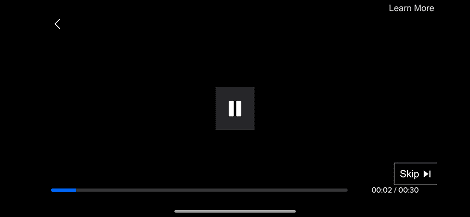
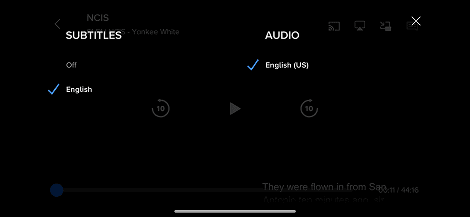
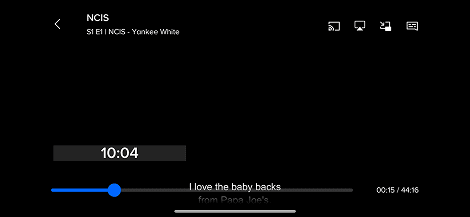
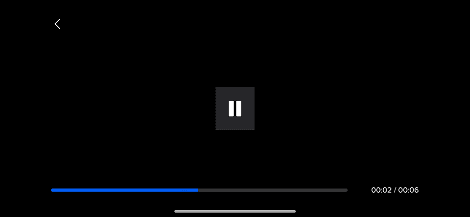
Peacock
Understandable icons
Clean UI
Easy to find what you need (movies, tv shows, sports and more)
Season pulldown like Netflix
Same icon for play like the other services
Able to know if you are starting a new episode or from where you left off
“More” has recognizable icons
When you click into a show or movie there is only three options
Subtitles are the easiest to read
Final Screens
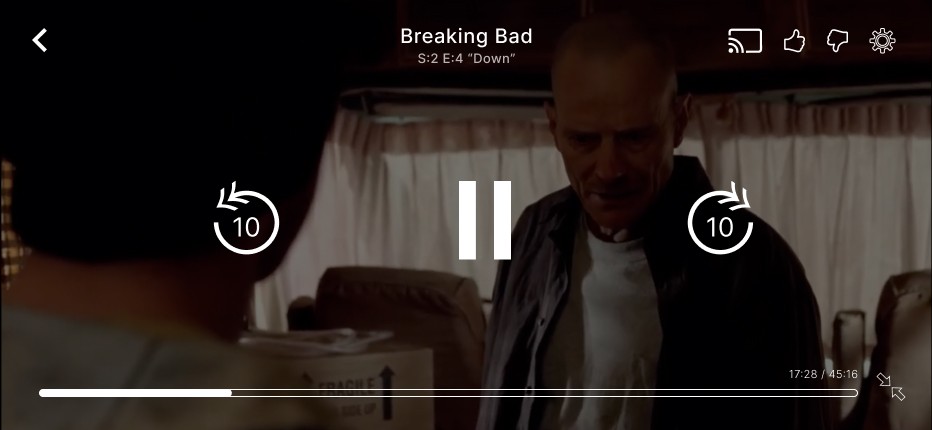
Tap Screen
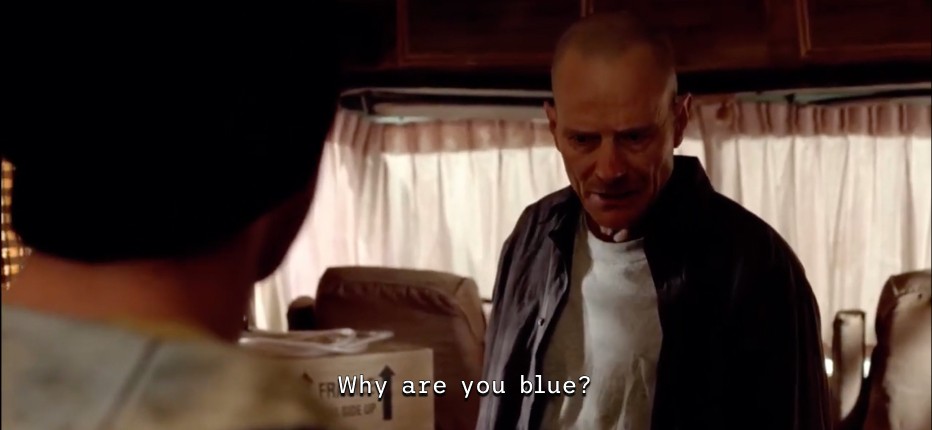
Subtitles Tapped
Subtitles Pressed
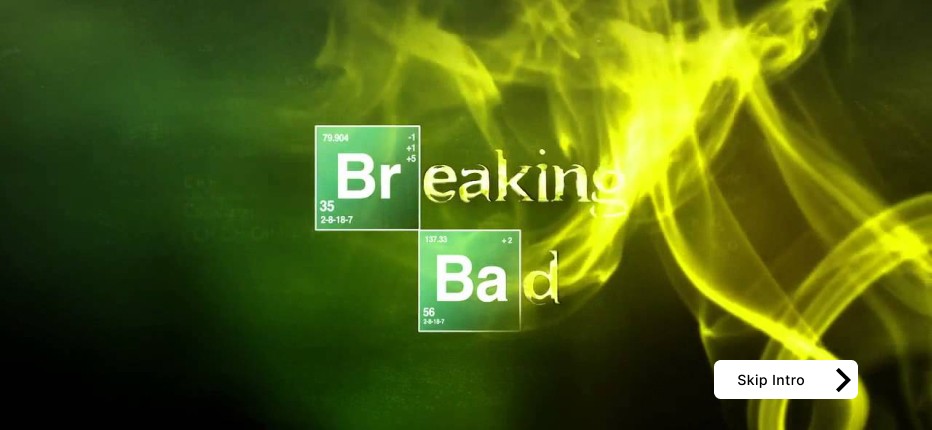
Skip Intro
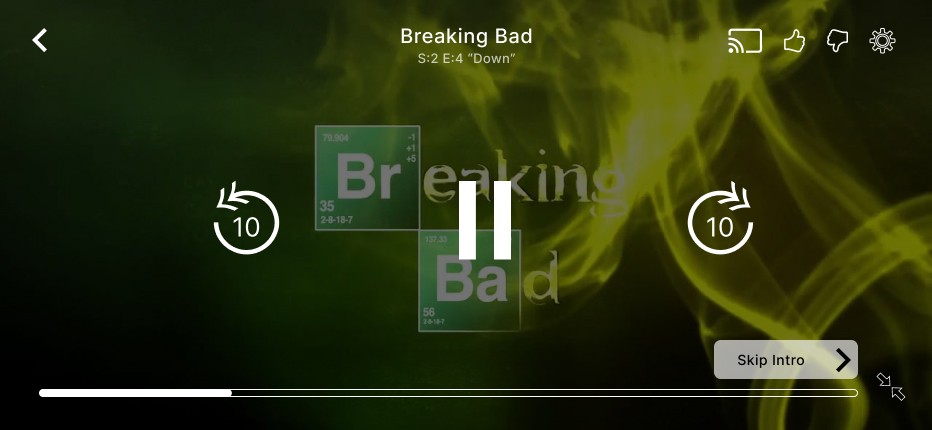
Skip Intro Tapped
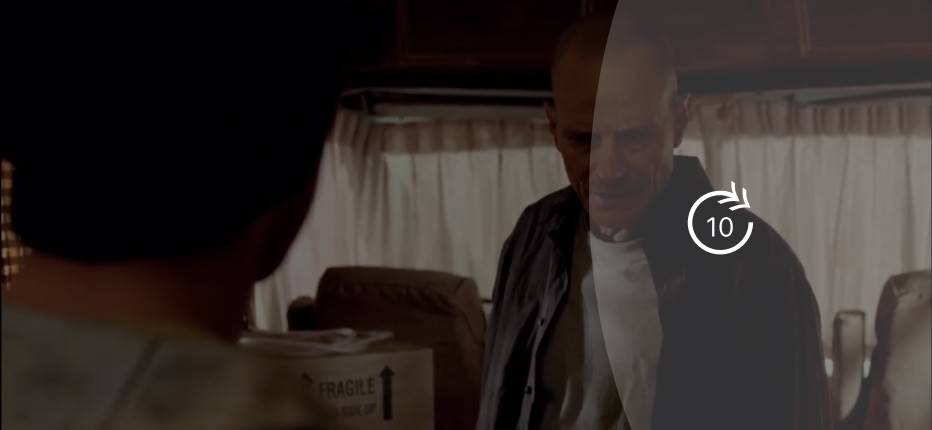
Skip Forward
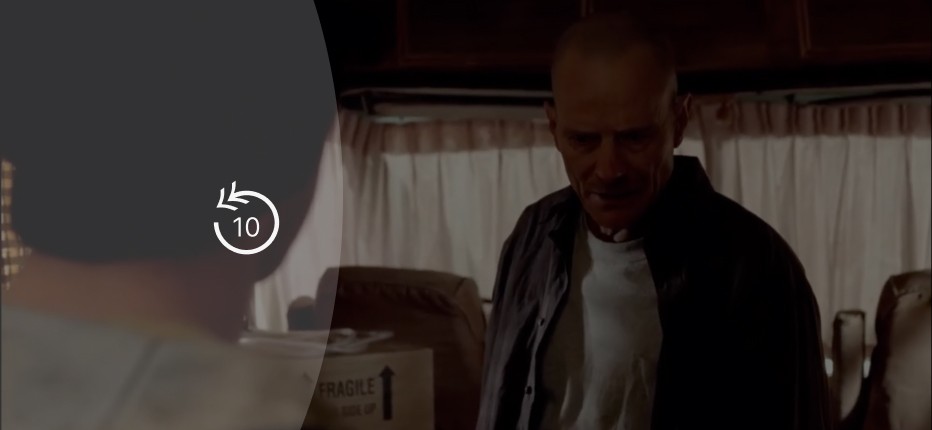
Skip Backwards
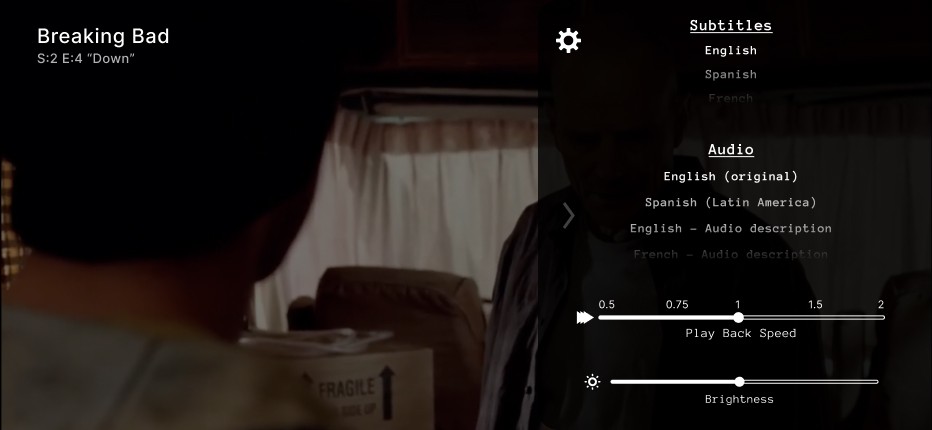
Settings
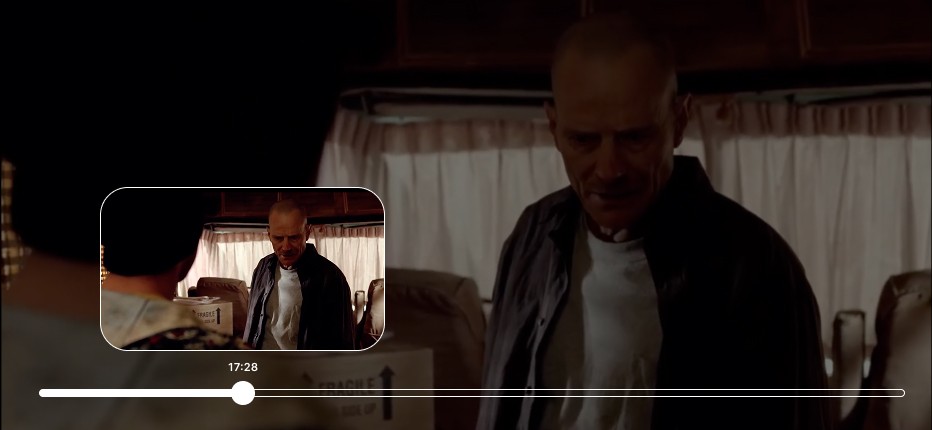
Scrub
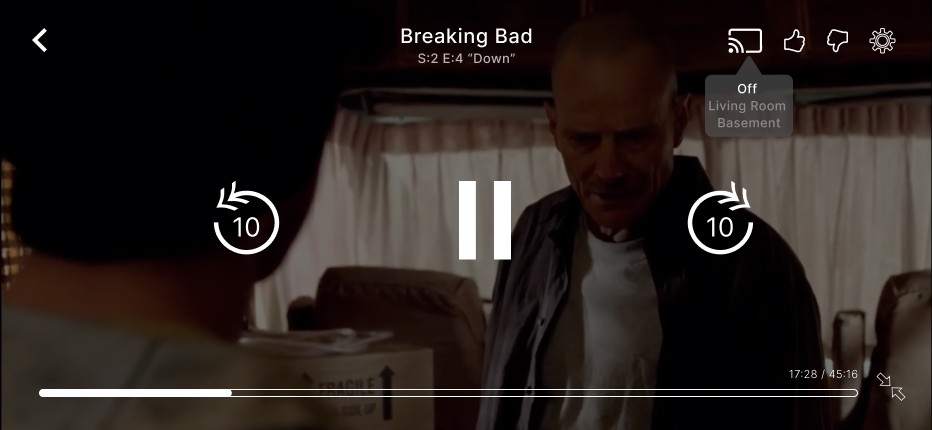
Screen Cast
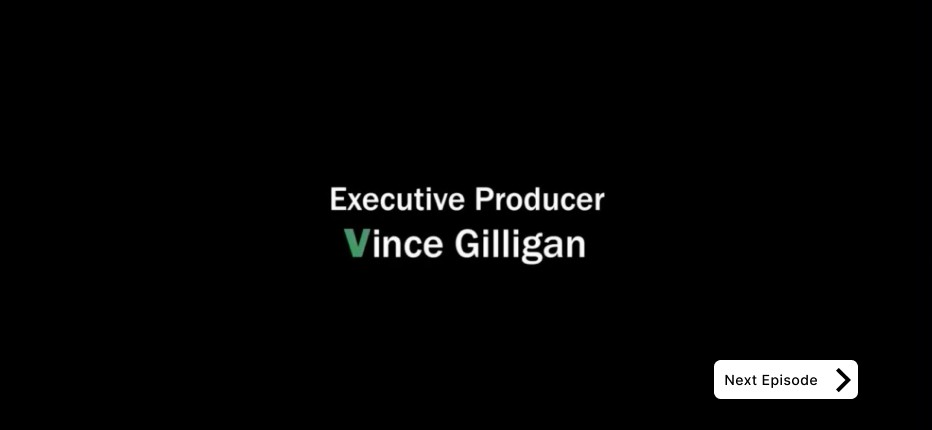
Play Next
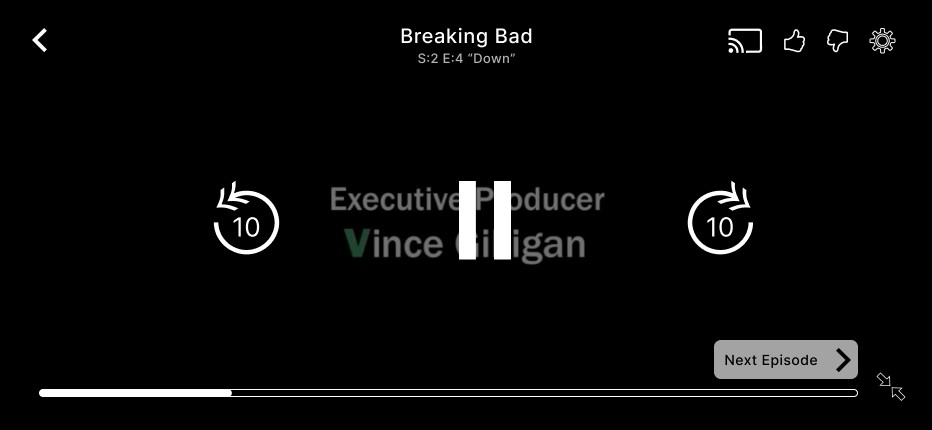
Play Next Tapped
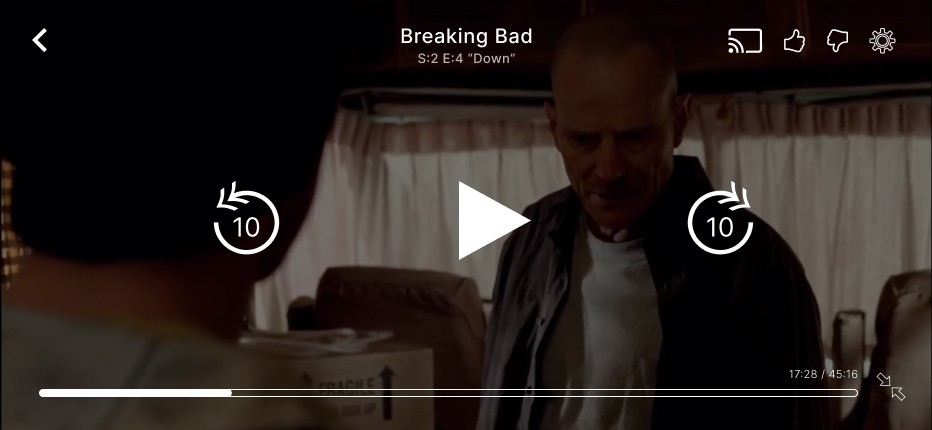
Paused
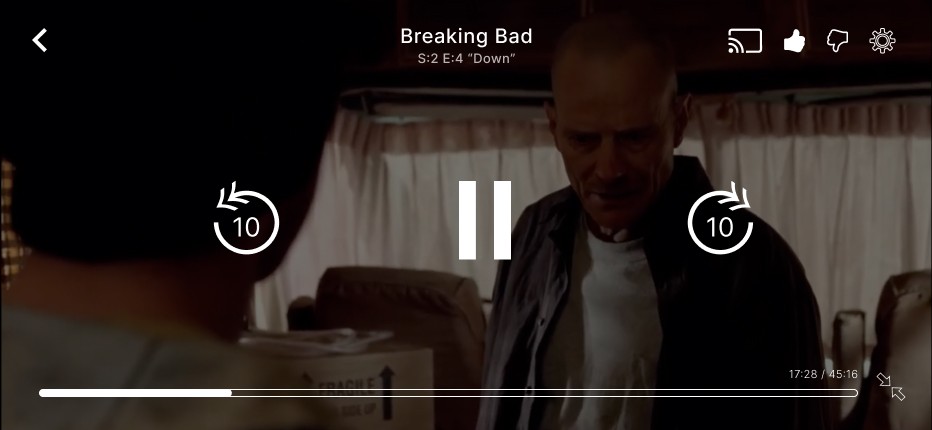
Like
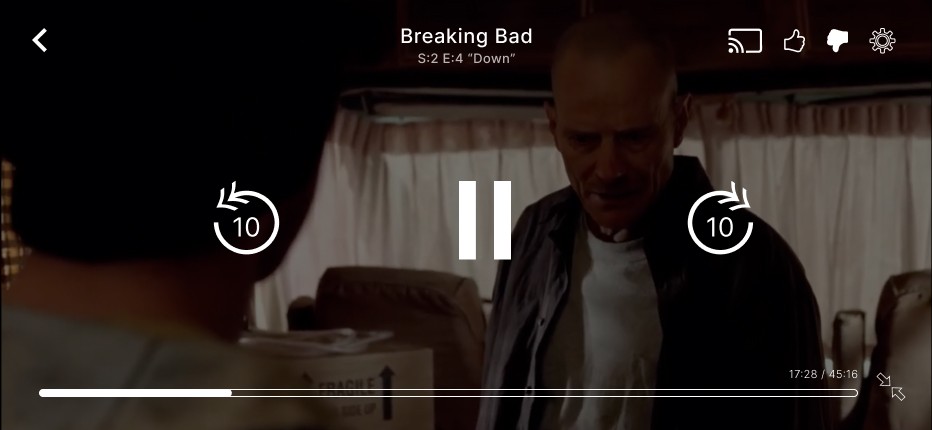
Dislike
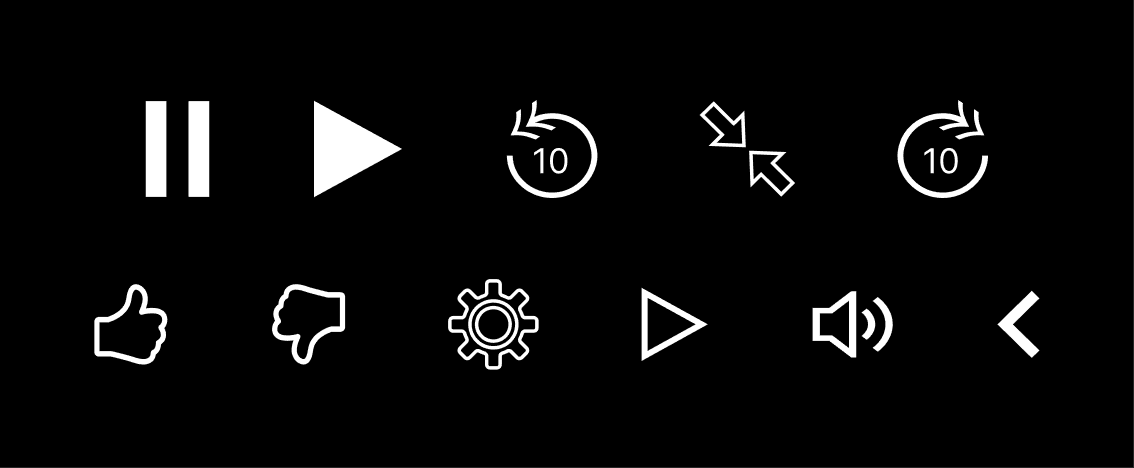
Icons
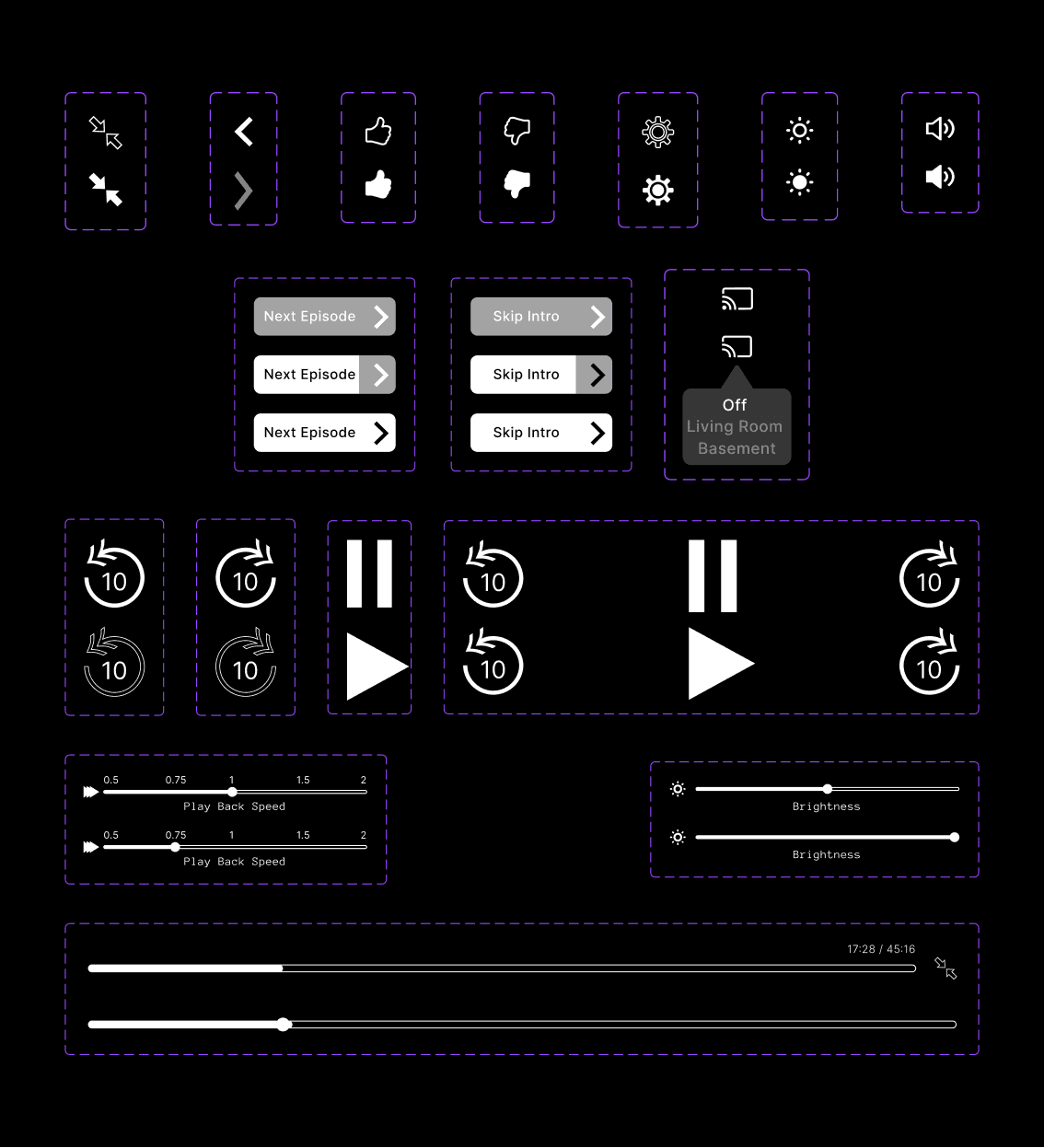
Components
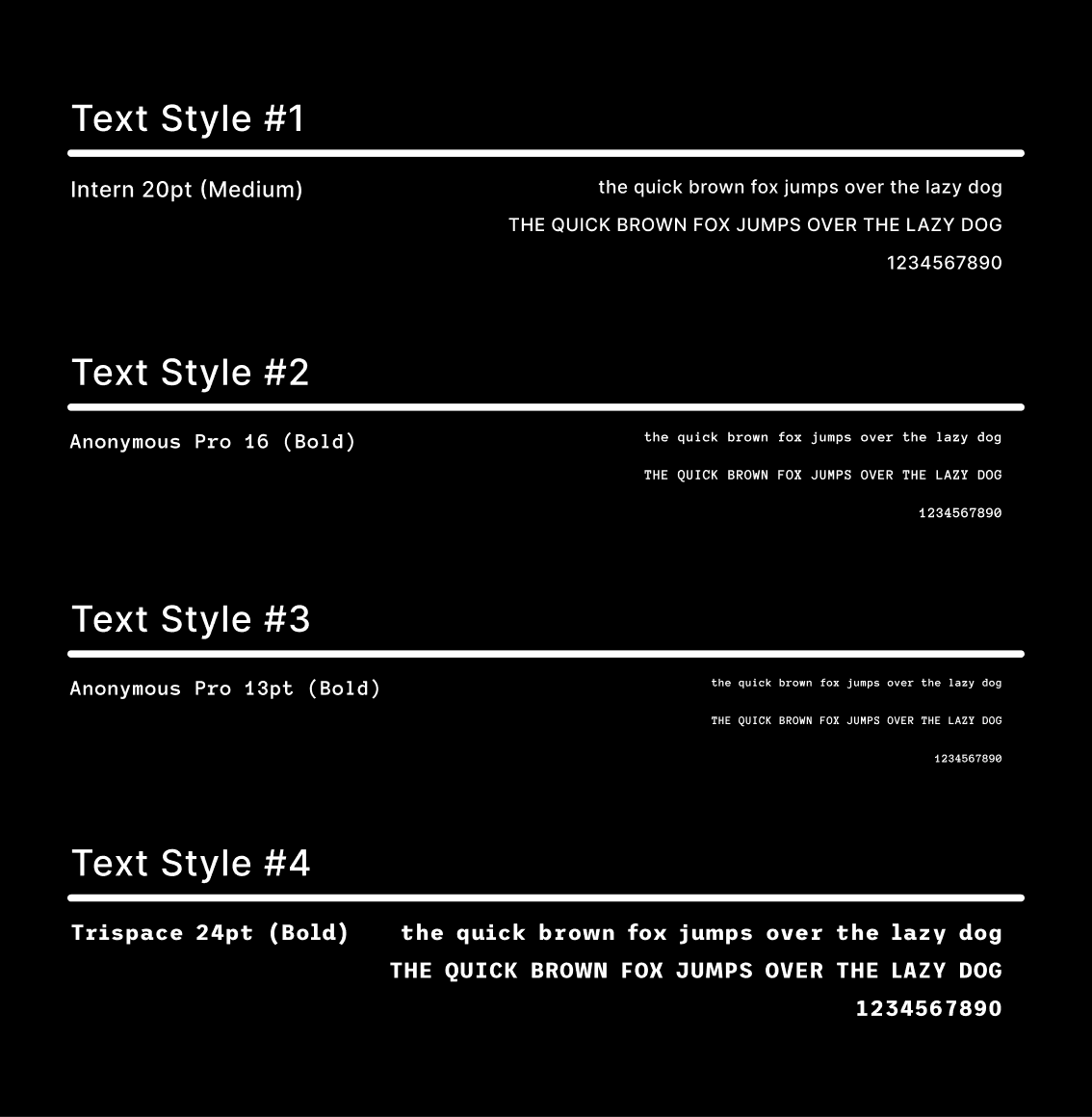
Type
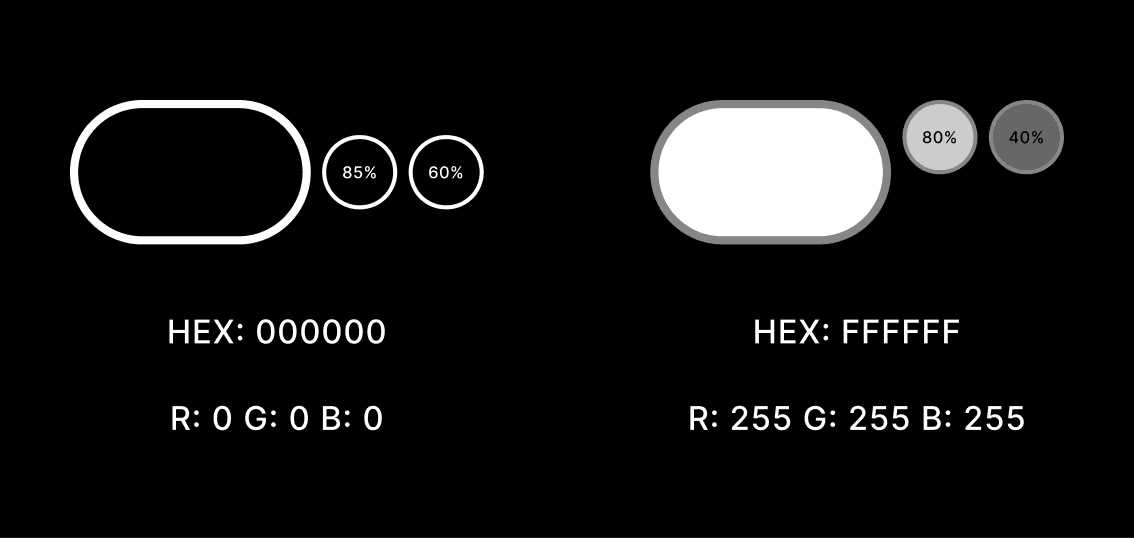
Colors